Chore Chart Template for Excel and Google Sheets: Age-Based Chores, Points, Allowance and a Weekly Checklist
Build a chore chart template in Excel or Google Sheets: chores matched to each child's age, points per task, a weekly checkbox grid, completion percentages, an allowance calculator, rotation for shared chores and a printable view for the fridge.
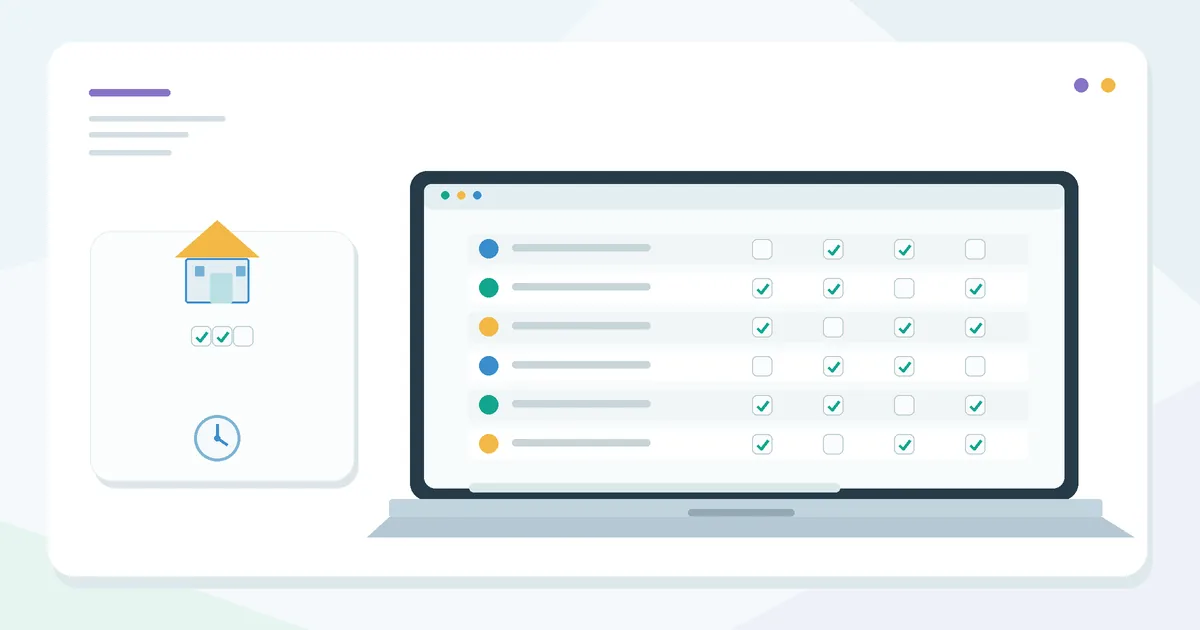
A chore chart template lists each family member’s chores for the week, how often they happen and how many points each one is worth, then gives everyone a checkbox grid to tick off as they go. Formulas total the points, show a completion percentage and — if you pay an allowance — turn points into dollars automatically. Built in Excel or Google Sheets, it can be printed for the fridge and updated in seconds when chores change.
This guide is part of Home & Family Organizers. If you also plan dinners, the meal planner template builds the grocery list for you.
Sheet 1: Chore list
| Column | Content | Formula |
|---|---|---|
| A – Person | Who does it | dropdown |
| B – Chore | Specific and checkable | — |
| C – Times per week | 7 = daily, 2 = twice a week | — |
| D – Points each | Effort-based | — |
| E – Points possible | For the week | =C2*D2 |
| F – Times done | From the checkbox grid | =COUNTIF(Week!C2:I2,TRUE) |
| G – Points earned | — | =MIN(F2,C2)*D2 |
Keep chores concrete: “Clear and wipe the table after dinner” beats “help in the kitchen”. Children (and adults) do better when “done” is obvious.
Picking chores by age
There is no official list, and children differ, but a rough progression many families use:
- Younger kids: put toys away, make the bed, set napkins and spoons, water plants, match socks.
- Middle years: set and clear the table, feed pets, fold laundry, take out recycling, vacuum a room.
- Teens: load and run the dishwasher, clean a bathroom, cook a simple meal, mow, do their own laundry.
Start with fewer chores done well; add one when a routine is solid.
Sheet 2: Weekly checkbox grid
Chores in rows (same order as Sheet 1), days Monday–Sunday in columns C to I. In Excel 365 use Insert → Checkbox; in Google Sheets, Insert → Checkbox. Grey out days a chore isn’t scheduled with a conditional formatting rule so nobody feels behind on Tuesday for a Saturday task.
Worked example: one week, two kids
| Child | Chore | Times/wk | Points each | Possible | Done | Earned |
|---|---|---|---|---|---|---|
| Mia (11) | Make bed | 7 | 1 | 7 | 6 | 6 |
| Mia | Set and clear the table | 7 | 2 | 14 | 7 | 14 |
| Mia | Feed the dog | 7 | 1 | 7 | 7 | 7 |
| Mia | Take out recycling | 2 | 3 | 6 | 2 | 6 |
| Mia | Vacuum the living room | 1 | 6 | 6 | 1 | 6 |
| Mia | Fold laundry | 2 | 5 | 10 | 1 | 5 |
| Leo (7) | Make bed | 7 | 1 | 7 | 5 | 5 |
| Leo | Put toys away | 7 | 1 | 7 | 6 | 6 |
| Leo | Help set the table | 7 | 1 | 7 | 7 | 7 |
| Leo | Water plants | 2 | 2 | 4 | 2 | 4 |
| Leo | Match socks | 1 | 3 | 3 | 0 | 0 |
Summary and allowance
Per child: points possible =SUMIF(A:A,"Mia",E:E), points earned =SUMIF(A:A,"Mia",G:G), completion =Earned/Possible, allowance =Earned*$K$1 with the value of a point in K1 (here $0.25).
| Child | Possible | Earned | Completion | Allowance at $0.25/pt |
|---|---|---|---|---|
| Mia | 50 | 44 | 88% | $11.00 |
| Leo | 28 | 22 | 79% | $5.50 |
Mia missed one laundry fold and one bed; Leo skipped socks entirely. Those are the two conversations for Sunday. Some families add a bonus for 90% or more (=IF(Completion>=0.9,Bonus,0)); whether to tie allowance to chores at all is a family choice — the sheet works with or without money.
Rotating shared chores
For chores nobody wants, rotate weekly. With names in M2:M3: =INDEX($M$2:$M$3,MOD(ISOWEEKNUM(TODAY()),2)+1). For three people, change 2 to 3 and extend the range. The week of November 2–8, 2026 is ISO week 45, so the formula picks the second name this week and the first next week.
Making it stick
- Agree on the list together and show what “done” looks like the first time.
- Same review time each week — Sunday evening works for many families.
- Print a one-page view (Page Layout → Print Area) for the fridge, and keep the full sheet on the computer or phone.
- Track your own chores too: kids notice when the chart only applies to them. For adult household tasks, a running list such as the to-do list template works well.
- Build habits, not just chores: reading or practice time fits better in the habit tracker template.
Related guide: Study Planner Template for Excel and Google Sheets.
FAQ
Points or straight dollars per chore?
Points are easier to adjust: change the value in K1 when kids get older, without rewriting every chore.
Does it work in Google Sheets?
Yes. Checkboxes, COUNTIF, SUMIF and ISOWEEKNUM all work, and kids can tick boxes on a tablet.
Can roommates use it?
Yes — give everyone the same chores on rotation and skip the allowance column.
Next step: write three to six chores per person with times per week and points, set up the checkbox grid, and print this week’s page tonight. More templates in Home, Family & Study Planners.